
Pricing & plans
Compare what each Orbit plan includes and move to a different one.
Opening the page
Pricing is not a separate entry in the settings menu. You reach it from your credit balance:
- Open Credit from the settings menu.
- Switch to the My credits view if you are not already there.
- Click Switch Plan.
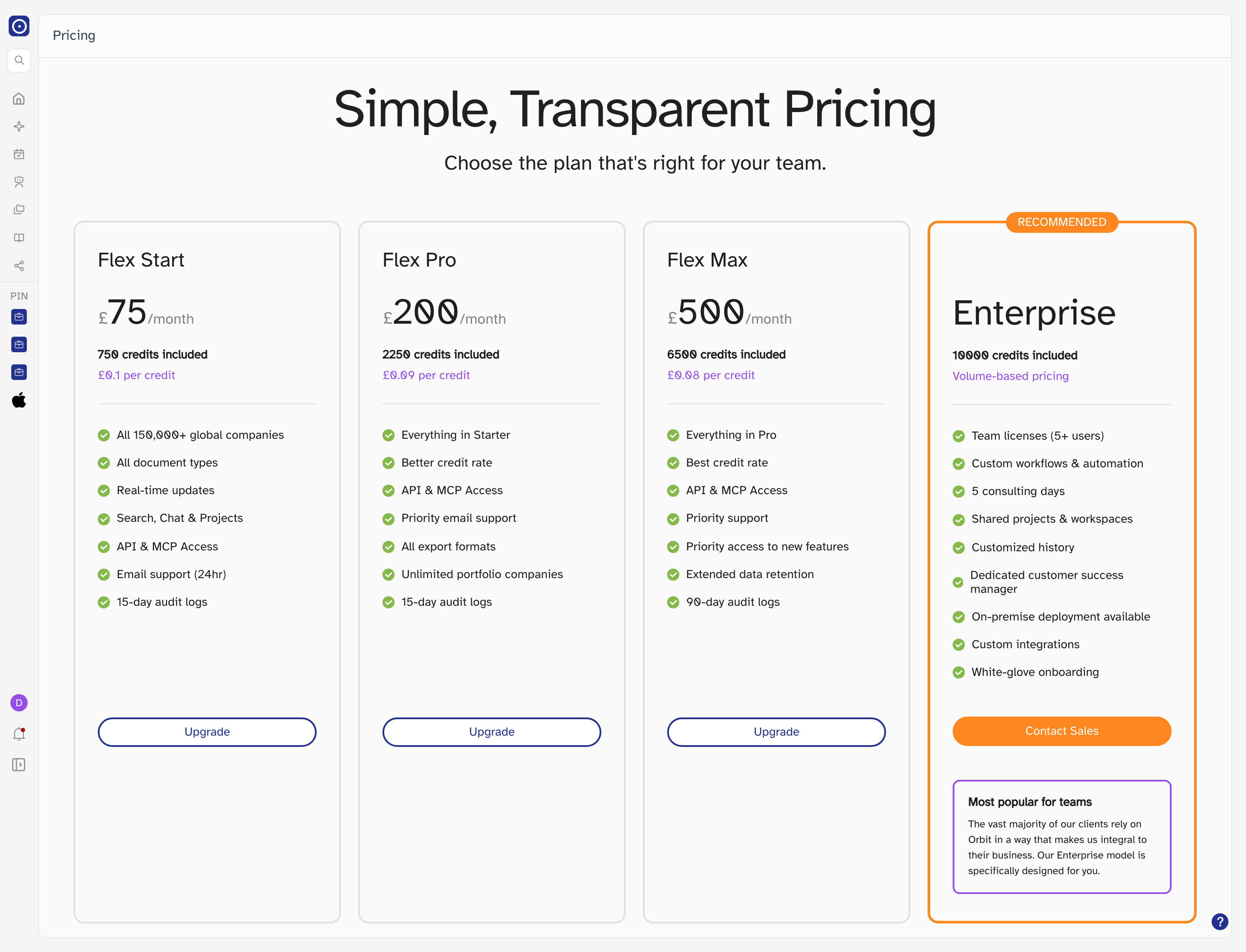
The plans
Each card shows the monthly price, how many credits are included, the effective rate per credit, and what the plan covers. The rate per credit improves as the plan grows.
| Plan | Credits included | Notable for |
|---|---|---|
| Flex Start | 750 | All companies and document types, real-time updates, API & MCP access, 24-hour email support. |
| Flex Pro | 2,250 | Everything in Start, a better credit rate, priority email support, all export formats, unlimited portfolio companies. |
| Flex Max | 6,500 | Everything in Pro, the best credit rate, priority support and early access to new features, extended data retention, 90-day audit logs. |
| Enterprise | 10,000 | Volume-based pricing, team licences, custom workflows and integrations, consulting days, a dedicated customer success manager, on-premise deployment. |
Changing plan
The button at the bottom of each card reflects where that plan sits relative to your current one:
| Button | Meaning |
|---|---|
| Upgrade | The plan is above your current one. Takes you through payment. |
| Downgrade | The plan is below your current one. The change takes effect at the next billing cycle. |
| Current Subscription | The plan you are on today. |
| Contact Sales | Enterprise only — pricing is based on volume, so it is agreed with Orbit rather than bought online. |
After changing plan
Your new credit allowance and billing period appear on the Credit page, and the change is recorded in Billing history.