
MCP
MCP is an open protocol that links AI assistants to Orbit's data, tools, and services. Add the Orbit MCP server to your AI client and it can work with Orbit directly.
Opening the page
- Click your avatar at the bottom of the left rail and choose Settings.
- Under ORGANIZATION, select MCP.
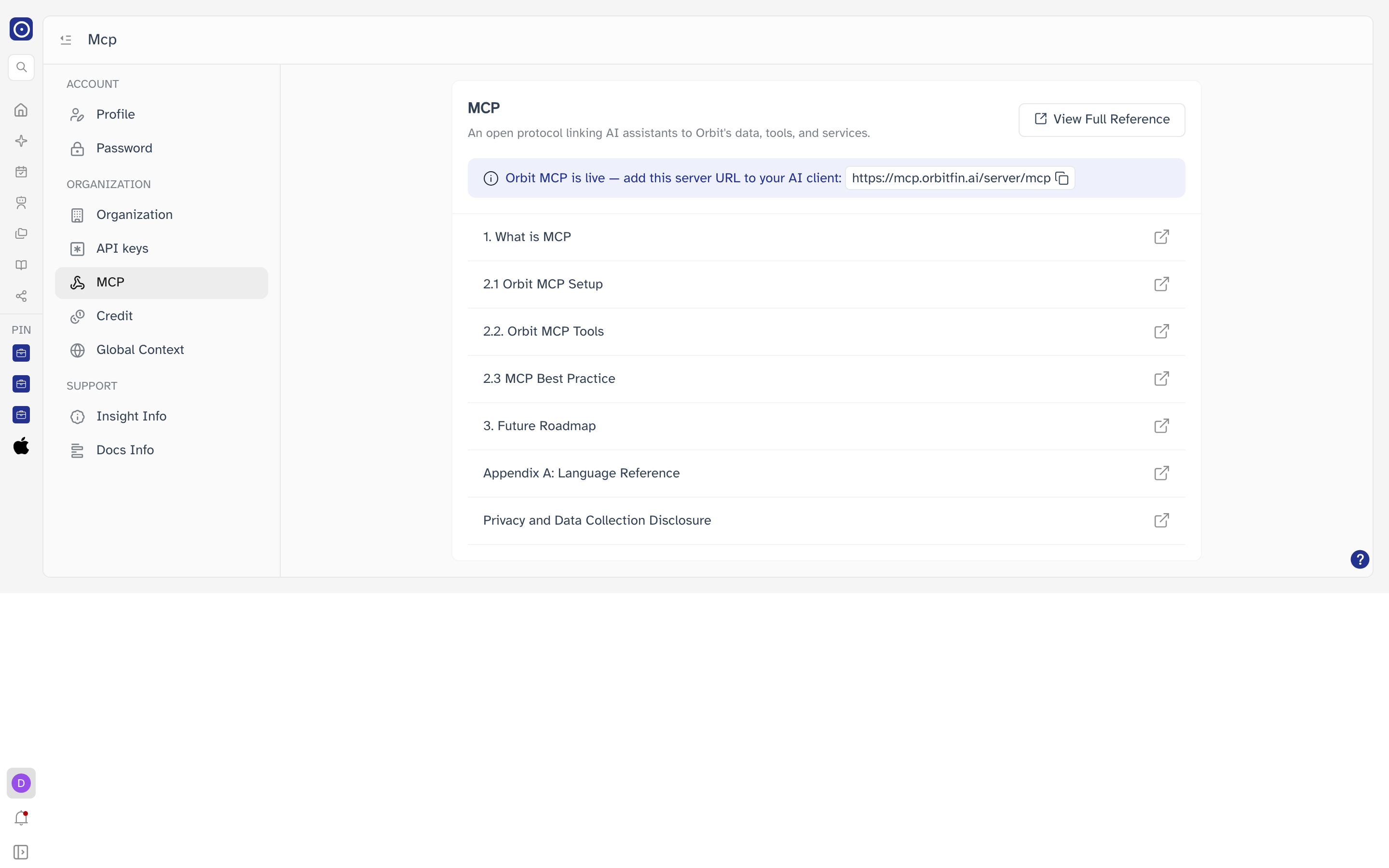
Connecting your AI client
- Click the server address in the banner. Orbit copies it to your clipboard and confirms.
- Add it as an MCP server in your AI client.
- Follow 2.1 Orbit MCP Setup in the guide list for the steps specific to your client.
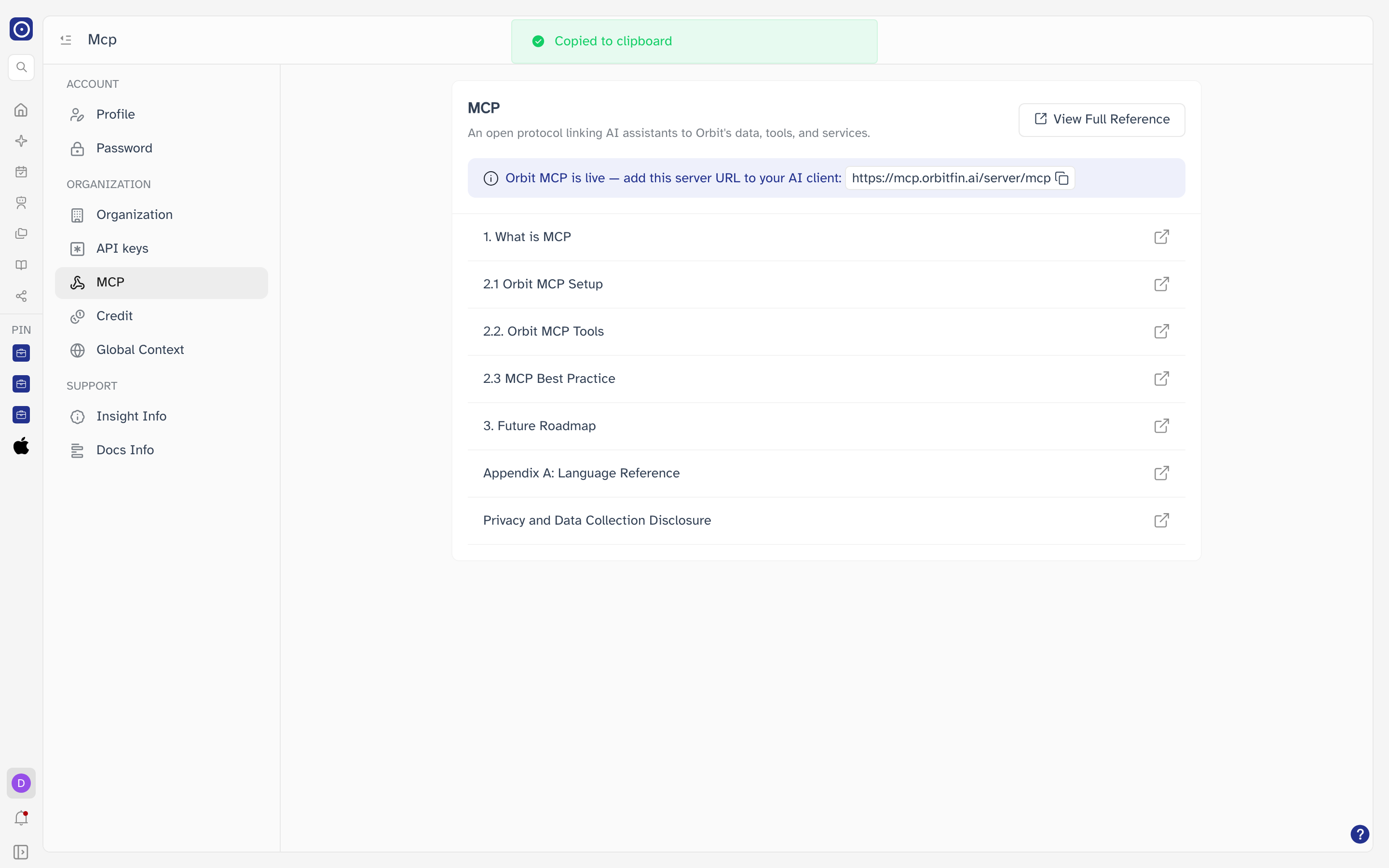
The Orbit MCP server address is:
https://mcp.orbitfin.ai/server/mcp
You will also need a key
Authenticating the connection uses an Orbit API key. Create one on the API keys page first if you do not have one.
Reference guides
Click the icon at the right of any row to open that guide, or View Full Reference to start from the beginning.
| Guide | Covers |
|---|---|
| 1. What is MCP | An introduction to the protocol and what it enables. |
| 2.1 Orbit MCP Setup | Connecting the Orbit MCP server to your client. |
| 2.2 Orbit MCP Tools | The tools the server exposes and what each one does. |
| 2.3 MCP Best Practice | Recommendations for getting good results. |
| 3. Future Roadmap | What is planned for Orbit's MCP support. |
| Appendix A: Language Reference | Language details for working with the tools. |
| Privacy and Data Collection Disclosure | What data is handled over MCP connections. |